
Head-to-Head
Microsoft 365 vs LibreOffice: Which Office Suite Do You Actually Need?
By Rehman Ahmad · Updated 2026-09-06 · 7 min read · 1606 words
Short answer
LibreOffice if you work alone, exchange PDFs, or cannot justify a subscription — it is free forever and needs a third of the disk. Microsoft 365 if you collaborate in Word and Excel daily, rely on VBA macros, or need Outlook and real-time co-authoring, which LibreOffice does not have.
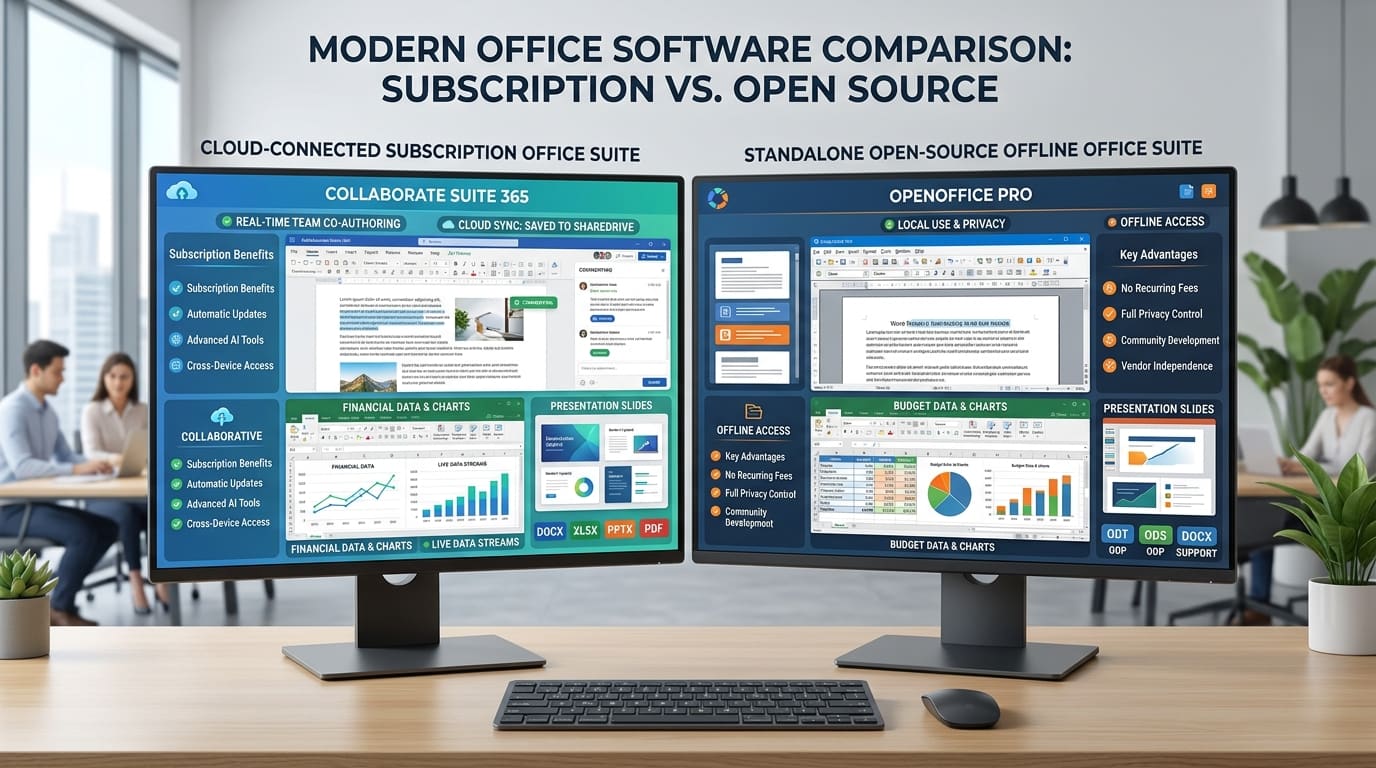
The usual framing of this comparison is free versus paid, and it is not wrong, just shallow. Plenty of people who could easily afford a subscription should be using LibreOffice, and plenty of people who resent the subscription would waste a week of their life trying not to pay it.
Two numbers in the listings explain more than the price does.
Microsoft 365 downloads as a few megabytes and needs 4 GB of disk. LibreOffice downloads as a few hundred megabytes and needs 1.5 GB. That inversion is the first thing to understand, because it is not a paradox and it is not in Microsoft's favour.
Why the download sizes lie
The Microsoft 365 installer is a click-to-run stub. Those 8.2 MB contain a downloader and nothing else; the actual suite — roughly 4 GB of it — arrives over your connection during installation, streamed from Microsoft's CDN. If your internet is slow, an 8.2 MB download can take forty minutes to finish installing.
LibreOffice's 345 MB is the whole suite in one file. You can put it on a USB stick, carry it to a machine with no internet, and install it there. Nothing else is fetched.
So the comparison that matters is 1.5 GB installed against 4 GB installed, and the free suite wins it by a factor of nearly three. Say this out loud because every comparison article gets it backwards: the smaller download is the larger program.
The specs side by side
| Microsoft 365 | LibreOffice | |
|---|---|---|
| Version | v2407 Build 17830.20138 | v26.2.5 |
| Developer | Microsoft | The Document Foundation |
| Licence | Subscription required | Open source, free |
| Download | 8.2 MB stub | 345 MB complete |
| Package | EXE Installer | MSI Installer |
| Disk needed | 4 GB | 1.5 GB |
| RAM | 4 GB (8 GB recommended) | 2 GB |
| CPU | 1.6 GHz dual core | — |
| Windows | 10 / 11 | 10 / 11, 64-bit |
| Architecture | x64 and ARM64 | x64 |
The architecture row is worth a second look. Microsoft 365 lists an ARM64 build; LibreOffice's entry is x64 only. On a Windows-on-ARM laptop — a Snapdragon X machine, say — that is the difference between a native application and one running through emulation.
What each suite actually contains
This is where the comparison stops being one-dimensional, because the two suites are not the same shape.
Microsoft 365 gives you Word, Excel, PowerPoint, Outlook and OneNote, with Copilot integration and real-time co-authoring across all of them.
LibreOffice gives you Writer, Calc and Impress as the direct equivalents, plus three applications Microsoft does not include in the consumer suite: Draw, a vector graphics editor that also edits PDFs directly; Base, a database front end; and Math, a formula editor.
Neither list is a subset of the other. LibreOffice has no mail client — no Outlook equivalent at all, which is the biggest single hole in the suite and the reason many people run it alongside Thunderbird. Microsoft has no Draw, and editing a PDF is something people routinely buy Acrobat for.
Where Microsoft 365 wins outright
Co-authoring. Two people editing the same document at the same time, seeing each other's cursors, with no file locking and no "document in use" dialog. LibreOffice has nothing comparable, and no amount of putting the file in a shared folder produces it. If your work involves other people editing your documents, this is the feature, and it is worth the subscription on its own.
Excel at the top end. PivotTables, Power Query, the full function library and the array behaviour that thirty years of spreadsheets were built against. Calc is a capable spreadsheet that covers most work well. It is not the same program at the edges, and financial modelling lives at the edges.
VBA macros. If a workbook with macros runs part of your business, that workbook was written for Excel. LibreOffice's VBA compatibility layer handles the simple cases and fails on the interesting ones. This one line decides the comparison for a lot of small businesses, and no argument about licence cost survives it.
Outlook. Mail, calendar and contacts in one program that everyone you email also uses, with meeting invitations that work correctly. The open-source stack can replace this, and replacing it is a project rather than an install.
Copilot. Whether the AI features earn their keep is genuinely still an open question, and the answer differs by job. But they exist here and they do not exist in LibreOffice, and the gap will widen rather than close.
ARM64 support. Native on Windows-on-ARM. LibreOffice is not.
Where LibreOffice wins outright
It costs nothing, permanently, for any number of installs. No subscription, no licence keys, no per-seat count, no renewal date. For a household, a school, a charity or a business with thirty machines, this is not a small saving — it is a recurring line item that disappears.
A third of the disk and half the RAM. 1.5 GB against 4 GB, 2 GB of RAM against 4 GB. On a cheap laptop with a 128 GB drive, Microsoft 365's footprint is a real fraction of the machine.
It edits PDFs, properly. Draw opens a PDF and lets you change the text in it, and LibreOffice can export hybrid PDFs that stay fully editable when reopened. That is a paid feature in most of this category. It is included here.
The Open Document Format. ODF is an open standard, which means a document you write today has no vendor between you and it in twenty years. For archives, public records and anything with a retention requirement, this is the reason ODF exists.
No account, no telemetry gate, no sign-in. Install it and use it. Nothing to activate, nothing to log into, and no state where your documents become read-only because a payment failed.
One file, offline. The full installer works on an air-gapped machine, on a bad connection, or on forty machines from one USB stick.
The honest weaknesses
LibreOffice's weakness is that the compatibility cost is paid by you, not shared. It reads and writes DOCX, XLSX and PPTX competently, and for most documents the round trip is clean. But when a shared file comes back with the layout shifted, or a comment thread loses its anchoring, or a chart renders differently on your colleague's screen, the person who has to sort it out is the one using the different program. If you are the only LibreOffice user in a Word-using team, you inherit every fidelity problem in the group. That is a social fact rather than a technical one, and it is the single most common reason people go back.
The interface is also plainly less polished. It is dense, closer to Office 2003 than to a modern ribbon, and it looks like software built by volunteers because it is. Function follows, but first impressions do not.
Microsoft 365's weakness is that you are renting. Stop paying and the applications become read-only viewers of documents you wrote. It also wants 4 GB of disk and an account, it is not offline-installable in any practical sense, and Copilot's most-promoted capabilities frequently sit behind an additional add-on rather than the base subscription. Check what your specific plan includes before you count Copilot as a reason to choose it.
A note on the LibreOffice package specifically. It is listed here as an MSI Installer from The Document Foundation's global mirrors, and an installer that carries no publisher signature is the class of download Windows is most likely to interrupt. If SmartScreen blocks it, our guide to fixing "Windows protected your PC" covers what that warning does and does not mean. Get the installer from The Document Foundation and verify it if you can — see how to check a SHA-256 checksum.
How to decide
You write documents mostly for yourself, and send PDFs: LibreOffice. The compatibility question evaporates the moment the thing you hand over is a PDF, and it will do that natively.
You work in a team that uses Word and Excel all day: Microsoft 365. Co-authoring plus perfect fidelity with everyone else's files is exactly what the subscription buys, and swimming against that costs more than the fee.
A macro-driven spreadsheet is part of your work: Microsoft 365, no further discussion. Rewriting working macros to run in Calc is a project, not a preference.
You are equipping a school, a charity, or a family's worth of machines: LibreOffice. Free at any scale, installable offline from one file, and it runs on the older hardware such places actually have.
You need Outlook: Microsoft 365, or LibreOffice plus a separate mail client and a weekend. Be honest with yourself about which of those you will actually finish.
Your laptop has a small SSD: LibreOffice, at 1.5 GB against 4 GB.
You need to edit PDFs and were about to buy Acrobat: install LibreOffice first and try Draw. It may be the whole answer, and it costs an afternoon to find out.
There is also a hybrid that works better than people expect: LibreOffice on your own machine for drafting, plus the free browser version of Word and Excel for the handful of moments when a shared file has to be exactly right. It covers most of the fidelity gap without a subscription, and it costs nothing to try before you commit either way.
Every app named here resolves to a page in the FileCobra catalogue — the build fails if one does not. Versions, package sizes and system requirements are read from that catalogue rather than written by hand. Where our ingestion worker has fetched a release itself, it records a SHA-256 of the exact file we serve and publishes it on the app’s page. We do not run an antivirus lab: where a VirusTotal report exists we link it, and where none exists we say so rather than imply one.
Rehman Ahmad
VERIFIED AUTHORChief Technology Officer & Lead Systems Auditor at FileCobra
Rehman specializes in Android operating system internals, cryptographic integrity verification, reverse engineering APK packaging architectures, and high-performance audio/video DSP pipelines. He directs the security verification and release ingestion infrastructure across FileCobra.
Apps covered in this guide
-
LibreOffice
26.8.1 · 357.5 MB · Open Source
-
Microsoft 365 / Office Suite
2407 (Build 17830.20138) · 7.07 MB · Official Release
Frequently asked questions
Can LibreOffice open and save Word and Excel files?
Yes. LibreOffice reads and writes DOCX, XLSX and PPTX directly, and for ordinary documents the round trip is faithful. What degrades is complex material: heavy layout, some tracked-changes metadata, embedded charts and anything driven by VBA macros. Plain reports and spreadsheets are fine; a legal contract with nested numbering and comments is where you notice.
Is Microsoft 365 free to download?
The installer is free — it is an 8.2 MB click-to-run stub. The software is not. Once installed, Word, Excel and the rest require a Microsoft 365 subscription or a perpetual Office licence to move past the sign-in prompt. LibreOffice has no equivalent gate at any point.
Why is the Microsoft 365 download only 8.2 MB when LibreOffice is 345 MB?
Because the Microsoft download is not the suite. It is a small downloader that fetches roughly 4 GB during installation. LibreOffice's 345 MB package contains everything and installs into about 1.5 GB. The suite that arrives with the smaller download ends up using more than twice the disk.
Does LibreOffice have a replacement for Outlook?
No, and this is the clearest gap in the suite. LibreOffice ships Writer, Calc, Impress, Draw, Base and Math — a word processor, spreadsheet, presentations, vector drawing, database and formula editor — but no mail or calendar client. If Outlook is central to your day, you need a separate program such as Thunderbird alongside it.
Will my Excel macros work in LibreOffice?
Often not. LibreOffice has its own Basic implementation and a compatibility layer for VBA, and simple macros frequently survive the move. Anything that calls Windows APIs, drives other Office applications, or leans on the Excel object model tends to break. If a spreadsheet with macros runs your business, this single answer decides the comparison.