
Buying Guide
The Fossify Suite: 12 Open-Source Android Apps That Replace Google's Defaults
By Rehman Ahmad · Updated 2026-09-02 · 8 min read · 1793 words
Short answer
Fossify is a twelve-app suite of open-source Android replacements for the stock keyboard, calendar, gallery, notes, SMS, clock, camera, contacts, calculator, file manager, music player and voice recorder. All twelve are free, open source, ad-free, and the successors to the Simple Mobile Tools apps. Installing every one costs about 136 MB.
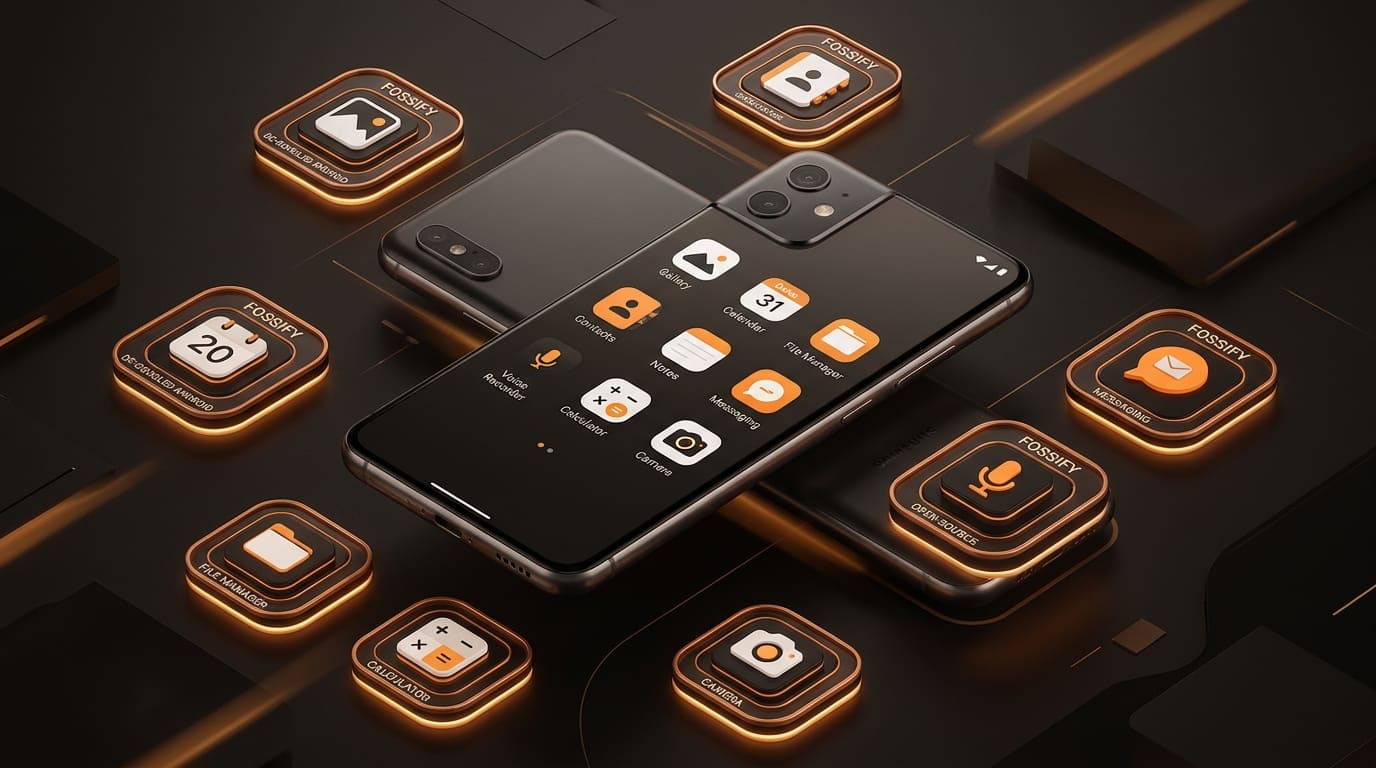
Most "de-Google your Android" advice collapses under its own weight. It asks you to change your launcher, your app store, your keyboard, your browser and your calendar in one weekend, and by Tuesday you have reinstalled half of it because the replacements were worse.
Fossify is the unusually practical version of that idea. It is not a ROM, not a launcher and not a philosophy. It is twelve small apps, each replacing one thing your phone already does, each open source, each installable on its own. You can adopt one and stop.
What happened to Simple Mobile Tools
For years the default answer to "what's a clean open-source gallery for Android" was Simple Gallery Pro, part of a suite called Simple Mobile Tools. In late 2023 that suite was sold, and the community did not wait to find out what the new owner would ship. It forked every app.
Fossify is that fork, and the continuity is stated plainly in each app's listing: Fossify Gallery is the maintained successor to Simple Gallery Pro, Fossify Notes to Simple Notes Pro, Fossify Keyboard to Simple Keyboard, and so on down the list. If you used the Simple apps and they went quiet, this is where they went.
That history matters for one practical reason. These are not new projects with a version 0.4 and an optimistic roadmap. They are mature codebases with years of use behind them — every version number on this page is a 1.x release, and several are well past 1.5.
The four you will notice every day
1. Fossify Gallery — the one to install first
Fossify Gallery is the app that makes the strongest case for the whole suite, because a photo gallery is the app on your phone with the most to be indiscreet about.
- Version: v1.13.1 · Size: 36.8 MB · Needs: Android 6.0+, 1.5 GB RAM, 50 MB free
- Replaces: Simple Gallery Pro
It requests no internet permission. Not "does not upload" — cannot. It handles RAW, SVG, GIF, panoramas and 4K video, has a built-in editor and video player so you are not bounced into a second app to crop something, and locks hidden albums behind a PIN, pattern or fingerprint.
It is also the largest app in the suite by a wide margin — 36.8 MB against a 6 to 10 MB norm — because it carries its own media decoding and editing rather than leaning on the system.
Install it if: you want a gallery that physically cannot phone home.
2. Fossify Keyboard — the highest-stakes swap
Fossify Keyboard is the other one worth doing on day one, for a blunt reason: your keyboard sees your passwords, your messages and your searches before any app does.
- Version: v1.9.1 · Size: 16.3 MB · Needs: Android 6.0+, 2 GB RAM, 41 MB free
- Replaces: Simple Keyboard
It is fully offline with no telemetry, supports multilingual layouts with fast switching, and lets you set key heights and toggle a number row — which sounds trivial until you have typed on a keyboard whose keys are 15% too short for your thumbs.
The honest trade: it does not do the predictive text, gesture typing and cloud-learned autocorrect that Gboard and SwiftKey do. That is the mechanism you are removing, and you will feel its absence for about a week.
Install it if: you have ever thought about what your keyboard transmits.
3. Fossify Calendar — offline first, CalDAV when you want it
Fossify Calendar is 7.4 MB and does month, week, day and agenda views, recurrence rules, reminders and interactive home-screen widgets.
- Version: v1.10.3 · Size: 7.4 MB · Needs: Android 6.0+, 2 GB RAM, 19 MB free
- Replaces: Simple Calendar Pro
The important detail is that it works entirely offline and treats sync as optional. It speaks CalDAV, so it can talk to a Nextcloud or self-hosted server through DAVx5 — but there is no Fossify server, no account and no sign-in. Nobody is hosting your calendar for you, which is the point and also the work.
Install it if: your calendar is yours, or lives on a server you control.
4. Fossify Messages — SMS without the ad rail
Fossify Messages is 6.3 MB, becomes your default SMS and MMS client, and carries no advertising.
- Version: v1.9.1 · Size: 6.3 MB · Needs: Android 6.0+, 2 GB RAM, 16 MB free
- Replaces: Simple SMS Messenger
It blocks numbers by spam keyword, schedules messages for later delivery, exports whole conversations to JSON for backup, and does group chats with Material You theming.
It is SMS and MMS only. No RCS, which means no typing indicators, no read receipts and no high-quality images when messaging other Android users — the features Google Messages gets from running its own RCS infrastructure. On a carrier and in a country where RCS is standard, that is a real downgrade.
Install it if: you mostly text people, and mostly plain text.
The four small utilities
These are the low-risk swaps. Each is under 11 MB, each replaces something you use without thinking about, and none of them has a downside worth a paragraph.
Fossify Notes — v1.7.0, 9.09 MB. Markdown notes and checklists with PIN or biometric lock and sticky-note widgets. Requests no network permission. The successor to Simple Notes Pro.
Fossify Clock — v1.6.0, 8.7 MB. Alarms, lap stopwatch, multiple timers, world clock with time-zone badges, and both digital and analog widgets. Its one distinctive feature is optional math-problem alarms, which will not let you dismiss the alarm until you have solved something — an unkind idea that works.
Fossify Calculator — v1.4.0, 6.7 MB. Scientific functions, degree and radian trigonometry, and a calculation history you can annotate. The history is the reason to bother: the stock calculator on most phones forgets what you just did the moment you close it.
Fossify Voice Recorder — v1.7.1, 6.9 MB. M4A, OGG and WAV at sample rates up to 48 kHz, with a live waveform and local-only storage. Good enough for lectures and interviews; not a multitrack recorder.
The four that need a reason
The rest of the suite is worth installing only if you have a specific complaint about what you are using now.
Fossify File Manager — v1.6.1, 9.5 MB. Dual-pane navigation, ZIP, 7Z, TAR and GZ compression and extraction, a root browser with read/write toggles, and secure file shredding. It has zero network permissions, which is unusual and welcome in a category full of apps that quietly offer cloud accounts. If your phone shipped with no file manager, or with one that shows ads, this is a clear upgrade.
Fossify Contacts — v1.6.0, 8.2 MB. Local storage, vCard bulk import and export, a duplicate merger, and DAVx5 sync. The duplicate merger is the reason to bother: it is the fastest way to clean an address book that has been through three phones and two accounts.
Fossify Music Player — v1.8.1, 10.5 MB. Local playback with a 5-band equaliser, bass boost, folder and playlist browsing, sleep timer and a widget. It plays files you own. If your music is a streaming subscription, this app has nothing to offer you.
Fossify Camera — v1.5.0, 9.8 MB. Instant shutter, manual exposure and focus, configurable JPEG and RAW DNG quality, volume-key shutter. Be realistic about this one: on a modern phone, most of what makes photos look good is the manufacturer's computational pipeline, and a clean third-party camera app does not get access to it. Use this for a distraction-free capture tool or for RAW files you intend to process yourself — not to improve your photos.
All twelve at a glance
| App | Version | Size | Category |
|---|---|---|---|
| Gallery | v1.13.1 | 36.8 MB | Photography & AI |
| Keyboard | v1.9.1 | 16.3 MB | Tools & Utilities |
| Music Player | v1.8.1 | 10.5 MB | Music & Audio |
| File Manager | v1.6.1 | 9.5 MB | Tools & Utilities |
| Notes | v1.7.0 | 9.09 MB | Productivity & Office |
| Camera | v1.5.0 | 9.8 MB | Photography & AI |
| Clock | v1.6.0 | 8.7 MB | Tools & Utilities |
| Contacts | v1.6.0 | 8.2 MB | Productivity & Office |
| Calendar | v1.10.3 | 7.4 MB | Productivity & Office |
| Voice Recorder | v1.7.1 | 6.9 MB | Music & Audio |
| Calculator | v1.4.0 | 6.7 MB | Tools & Utilities |
| Messages | v1.9.1 | 6.3 MB | Productivity & Office |
All twelve require Android 6.0 or higher and ship as universal or arm64-v8a builds. Installed together they come to roughly 136 MB of downloads and about 300 MB of storage once unpacked — less than a single modern game.
What the suite does not do
Three limits, stated because nobody else states them.
There is no sync service. Calendar and Contacts speak CalDAV, which means they can sync — to a server you supply. Nothing else in the suite syncs at all. Your notes, alarms and playlists live on one device, and moving to a new phone means exporting and importing by hand.
Updates are your job. A sideloaded APK has no update channel. You either check for new versions yourself or install through a store client that tracks the upstream repository. Twelve apps means twelve of those checks, and the least glamorous risk in the whole suite is a Fossify app that sits three versions behind because updating it was never urgent.
No app here is better than its commercial counterpart at the thing that counterpart optimises for. The keyboard does not predict as well as Gboard. The camera does not process as well as your phone's own. The messages app has no RCS. You are trading capability for the absence of surveillance, and pretending otherwise sets you up to reinstall everything in a fortnight.
A sensible install order
Install Fossify Gallery first, on its own, and use it for a week. It is the biggest single privacy gain in the suite and the one least likely to make you miss anything.
If that goes well, add the keyboard — accepting that predictive text gets worse before your thumbs adjust — and the file manager if your phone's own is poor or ad-supported.
Everything after that should be a response to an actual annoyance, not to the fact that a Fossify version exists. Twelve icons for twelve apps you half-use is not a cleaner phone. It is the same phone with more maintenance.
Every app named here resolves to a page in the FileCobra catalogue — the build fails if one does not. Versions, package sizes and system requirements are read from that catalogue rather than written by hand. Where our ingestion worker has fetched a release itself, it records a SHA-256 of the exact file we serve and publishes it on the app’s page. We do not run an antivirus lab: where a VirusTotal report exists we link it, and where none exists we say so rather than imply one.
Rehman Ahmad
VERIFIED AUTHORChief Technology Officer & Lead Systems Auditor at FileCobra
Rehman specializes in Android operating system internals, cryptographic integrity verification, reverse engineering APK packaging architectures, and high-performance audio/video DSP pipelines. He directs the security verification and release ingestion infrastructure across FileCobra.
Apps covered in this guide
-
Fossify Gallery
1.14.0 · 36.75 MB · Open Source
-
Fossify Keyboard
1.9.1 · 16.31 MB · Open Source
-
Fossify File Manager
1.6.2 · 9.57 MB · Open Source
-
Fossify Calendar
1.12.0 · 7.82 MB · Open Source
-
Fossify Messages
1.10.1 · 6.42 MB · Open Source
-
Fossify Notes
1.7.0 · 9.09 MB · Open Source
-
Fossify Clock
1.6.0 · 8.69 MB · Open Source
-
Fossify Music Player
1.8.4 · 10.63 MB · Open Source
-
Fossify Voice Recorder
1.7.3 · 6.99 MB · Open Source
-
Fossify Contacts
1.6.0 · 8.2 MB · Open Source
-
Fossify Calculator
1.4.0 · 6.72 MB · Open Source
-
Fossify Camera
1.5.0 · 9.79 MB · Open Source
Frequently asked questions
What happened to Simple Mobile Tools?
The suite was sold in late 2023, and the community response was to fork every app before the new owner shipped a build. Fossify is that fork. Each app on this list is described in the catalogue as the actively maintained successor to a specific Simple app — Fossify Gallery to Simple Gallery Pro, Fossify Notes to Simple Notes Pro, and so on.
Are all Fossify apps really free with no ads?
Yes. Every one of the twelve is listed as Open Source with no paid tier, no advertising and no analytics. Several of them — the gallery, notes and file manager — request no network permission at all, which means leaking your data is not a policy promise but a technical impossibility.
Which Fossify apps should I install first?
The gallery and the keyboard. Those two replace the software you touch most often and are where the stock alternatives collect the most data. After that, add apps only where the default annoys you — installing all twelve because they exist is how you end up with four launcher icons you never tap.
What Android version do I need for Fossify?
Android 6.0 or higher for all twelve, which reaches back to 2015 hardware. They ship as universal or arm64-v8a APKs, so both 32-bit and 64-bit devices are covered. RAM floors are 1 to 2 GB, and the largest app needs 50 MB of free storage.
Do Fossify apps update themselves?
No. A sideloaded APK has no updater behind it, so you either check back for a new version or install through a store client that tracks the source repository. This is the real cost of the suite, and it is 12 apps' worth of cost rather than one.