

Download WinRAR for Windows PC v7.23 for Windows PC
WinRAR 7.23 from RARLAB: the original RAR archiver for Windows with recovery records, split volumes, AES-256 encryption and full Explorer right-click...
Technical Specifications & System Requirements
Software notes
Features
- Only WinRAR can create RAR archives, and its recovery records and recovery volumes can repair damaged archives that other extractors give up on, even when the damage came from a scratched disc, a failing drive or an interrupted download.
- Multi-volume splitting cuts a large archive into numbered parts of an exact size you choose, which is ideal for upload limits, email attachment caps and removable media, and the parts can be rejoined on any machine with WinRAR or a compatible unpacker.
- AES-256 password protection can encrypt file names as well as contents, so nobody can even list what is inside a protected archive, let alone open the files without the password.
- Explorer context-menu commands such as Extract Here and Extract to a named folder make everyday unpacking a two-click job with no main window, and multiple selected archives can each be extracted to their own subfolder in one command.
- The 3.7 MB installer is digitally signed, contains no bundled extras, and the program stays fast and light even with very large archives, starting instantly on hardware that struggles with modern store apps.
Considerations
- WinRAR is shareware, so after the 40-day trial a purchase reminder pops up at launch until you buy a perpetual licence, which is fair but still an interruption free rivals never impose.
- It can open 7Z archives but cannot create them, which forces a second tool on anyone standardising on the 7Z format for its slightly better compression on some data sets.
- The interface and dialogs have barely changed in years and look dated next to modern Windows 11 utilities, with advanced options buried in dialogs a new user has to hunt for.
About & Overview: WinRAR for Windows PC
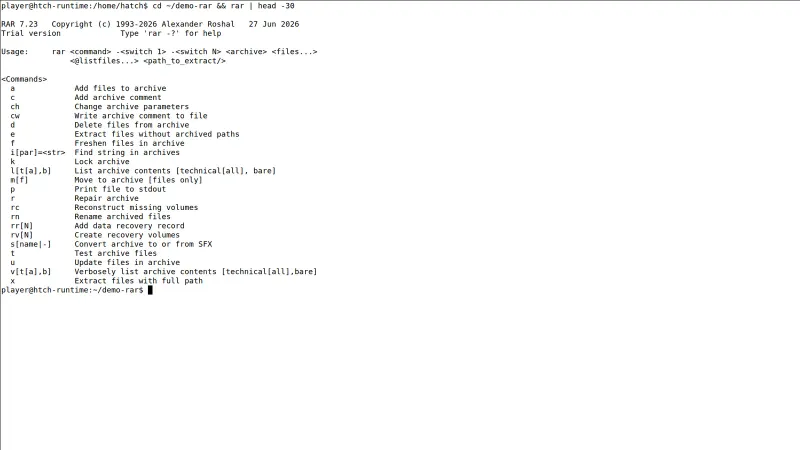
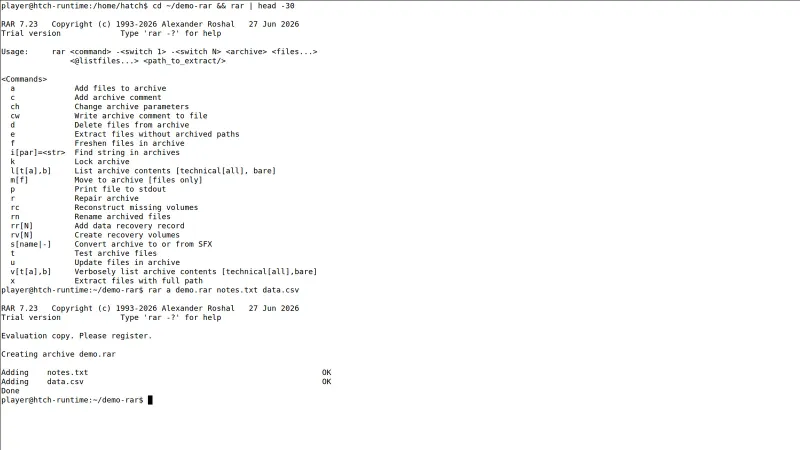
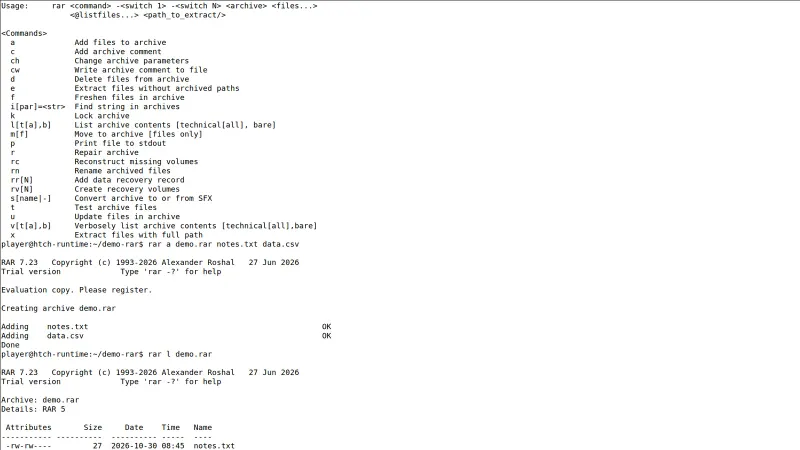
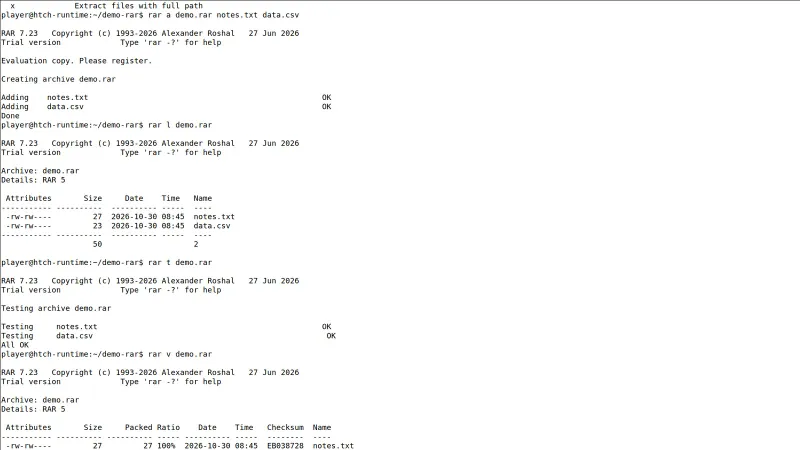
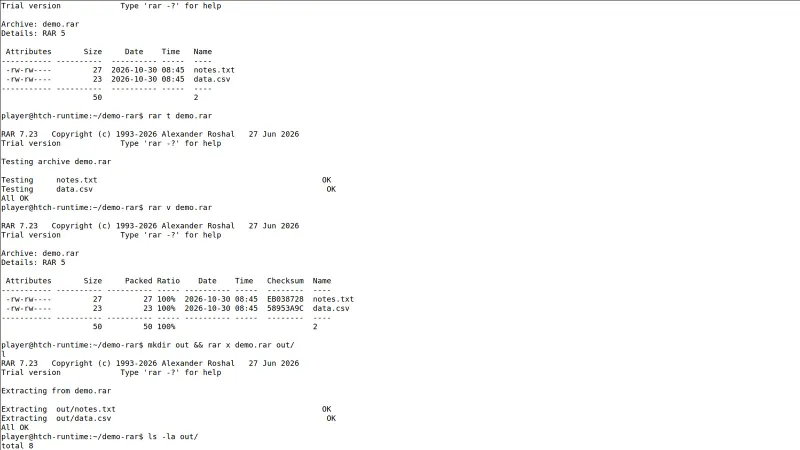
WinRAR is RARLAB's Windows archiver and the only program that can create archives in the proprietary RAR format, alongside ZIP creation and unpacking of RAR, ZIP, 7Z, TAR, GZ, BZ2, XZ, ISO, CAB, ARJ, LZH, UUE and Z archives. Its signature features are recovery records and recovery volumes, which bake repair data into an archive so a download damaged in transit can often be rebuilt instead of re-fetched, and multi-volume splitting, which cuts one large archive into numbered parts sized for email limits, FAT32 sticks or forum uploads. Compression uses dictionaries up to 64 GB in the 7.x line, solid archiving for many-small-file sets, and AES-256 encryption with optional file-name encryption so even the contents list stays hidden. In daily use most people never open the main window: WinRAR adds Extract Here, Extract to folder and Add to archive commands to the Windows Explorer context menu, and the built-in Benchmark and Repair tools live one menu away. It suits anyone who regularly receives multi-part RAR downloads, game mods or split release archives, and anyone sending large folders who needs password protection plus a realistic chance of repairing a corrupted part. Version 7.23 is a maintenance release in the 7.x line that fixes a heap overflow in RAR5 recovery volume reconstruction, stops symbolic links pointing outside the destination folder during extraction, and updates the bundled 7z extraction library.
WinRAR for Windows PC UI & Interface Screenshots
How to Install & Verify WinRAR for Windows PC
Get winrar-x64-723.exe only from rarlab.com — lookalike domains sell fake 'WinRAR Pro' builds that RARLAB does not make.
Launch winrar-x64-723.exe, confirm the destination folder (by default C:\Program Files\WinRAR) and click Install.
In the WinRAR Setup dialog, tick the archive formats WinRAR should open (RAR at minimum) and keep the Explorer context-menu integration enabled, then click OK.
Click Done, then right-click any .rar or .zip file and choose 'Extract Here' to confirm the shell commands work.
WinRAR works for a 40-day trial; after that a purchase reminder appears at launch. A licence key file (rarreg.key) placed in the program folder removes it permanently.
Related Windows PC Software & Alternatives






Frequently Asked Questions & Verification Guide
Is WinRAR for Windows PC free?
No. WinRAR for Windows PC is shareware from RARLAB: you can try it free for a limited trial period, but continued use requires buying a licence from the developer.
What happens after the 40-day trial period? Does WinRAR stop working?
No. WinRAR keeps working with every feature intact after day 40, but it shows a reminder asking you to buy a licence each time it starts. Continued use without a licence is against the EULA, so the honest options are to register it or switch to a free archiver.
Can I create RAR files with free alternatives like 7-Zip?
No. RAR is RARLAB's proprietary format, so 7-Zip and other free tools can open and extract RAR archives but cannot create them. Creating RAR files, especially with recovery records, requires WinRAR itself.
How do I password-protect a RAR file?
Select the files, choose 'Add to archive', pick RAR as the format and click 'Set password'. Enter a strong password and tick 'Encrypt file names' to hide the contents list too — and keep the password safe, because there is no recovery option if you forget it.
Should I use 32-bit or 64-bit WinRAR?
Use the 64-bit build (winrar-x64-723.exe) on any current Windows 10 or 11 PC: it handles larger dictionaries and big archives faster. The 32-bit build only makes sense on an old 32-bit Windows installation.
Where is the safest place to download WinRAR?
Only from rarlab.com, RARLAB's official site. There is no official 'WinRAR Pro' product, and lookalike download sites repackage the installer with keygens or extra software.