

Download Node.js for Windows PC v24.22.1 for Windows PC
Node.js 24 LTS (Krypton) is the official JavaScript runtime for Windows — the V8 engine plus npm, ready for servers, APIs, and the entire modern JavaScript...
Technical Specifications & System Requirements
Software notes
Features
- The LTS release line is what production servers, tutorials, and employers standardize on, so learning and deploying happen on the same, dependable version.
- Bundles npm, giving one-command access to over two million packages — frameworks, CLIs, linters, and build tools — with no separate installation.
- The official MSI correctly configures the Windows PATH, so node and npm work immediately in PowerShell, Command Prompt, and Windows Terminal.
- Massive cross-platform consistency: the same code and commands run on Windows, macOS, and Linux, which keeps team workflows and CI pipelines identical.
- Completely free and MIT-licensed under the OpenJS Foundation, with a transparent release schedule and security-update process.
Considerations
- A minority of npm packages with native code require Visual Studio Build Tools and Python to compile on Windows, surprising beginners mid-install.
- Two release lines (LTS and Current) confuse newcomers, and installing the wrong one can cause subtle mismatches with tutorials or hosting environments.
- Node does not manage multiple versions by itself — developers who need several Node versions must add a version manager such as nvm-windows separately.
About & Overview: Node.js for Windows PC
Node.js is the open-source JavaScript runtime that lets JavaScript run outside the browser, powering web servers, APIs, command-line tools, and the build tooling behind most modern front-end development. This download is the current Long Term Support release, Node.js 24.22.1 (Krypton), which bundles the V8 engine, the npm package manager (the world's largest software registry), and core APIs for HTTP, file systems, streams, and cryptography. The Windows MSI installs both node.exe and npm, adds them to the PATH, and is the standard starting point for JavaScript, TypeScript, React, Vue, and backend development on Windows.
Node.js for Windows PC UI & Interface Screenshots
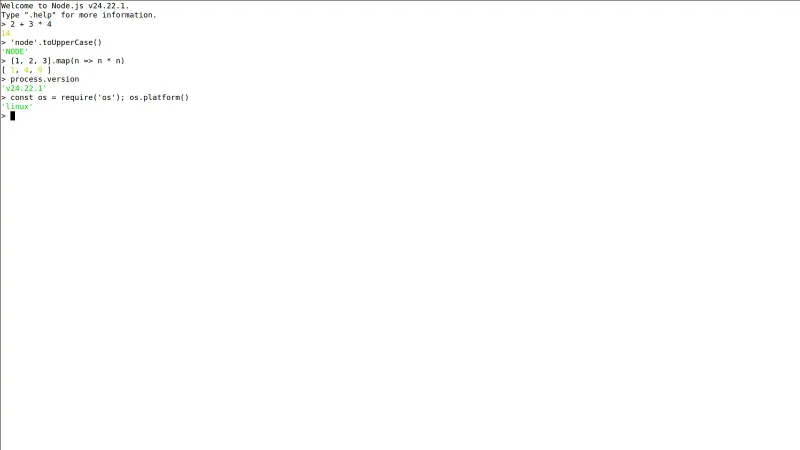
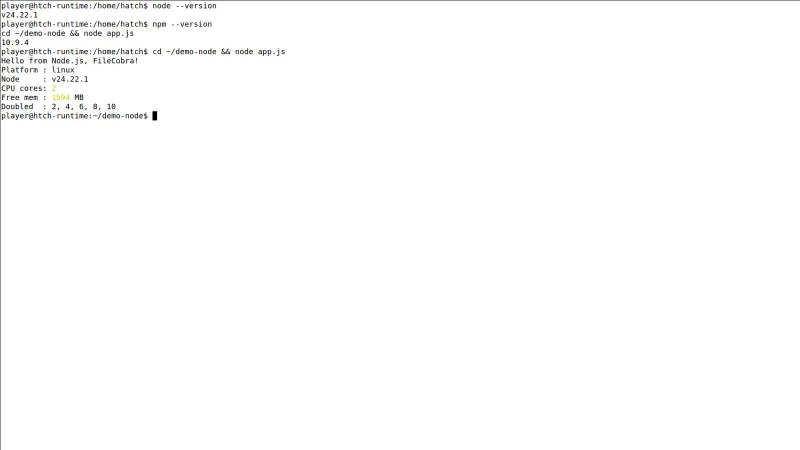
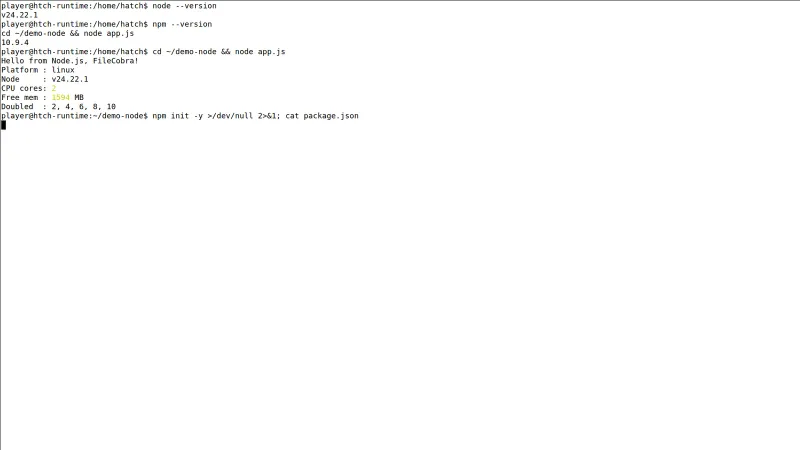
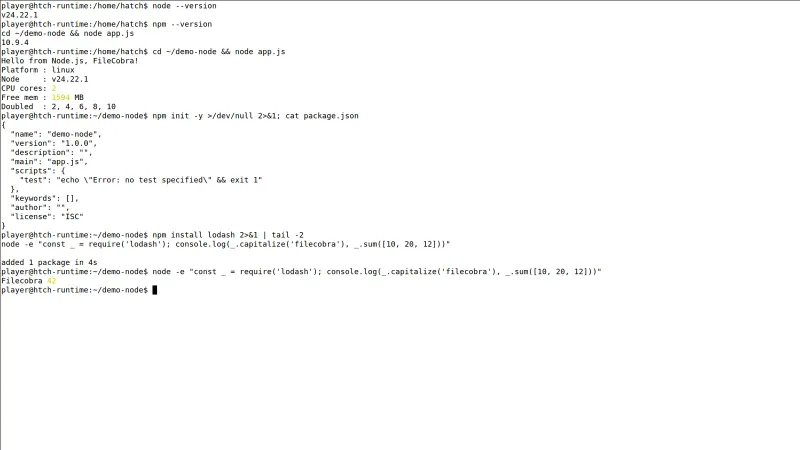
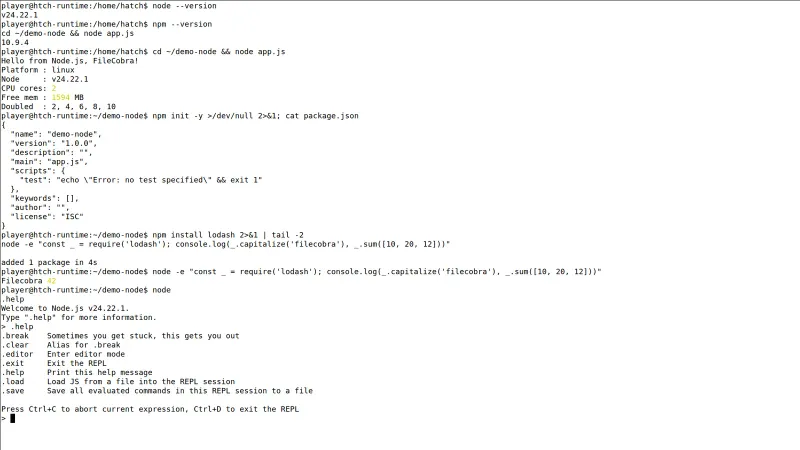
How to Install & Verify Node.js for Windows PC
Download the Node.js LTS MSI from the official link on this page.
Open the MSI and complete the wizard — PATH configuration is handled automatically.
Open a new terminal and run 'node -v' and 'npm -v' to confirm both tools respond with version numbers.
Related Windows PC Software & Alternatives






Frequently Asked Questions & Verification Guide
Which Node.js version should I install, LTS or Current?
LTS — it is the release the Node project recommends for production and the one tutorials assume. This page tracks the latest LTS, currently Node.js 24.22.1 'Krypton'.
Is Node.js free?
Yes. Node.js is free and open source under the MIT license, maintained by the OpenJS Foundation and a global contributor community.
Does Node.js include npm?
Yes. The Windows installer includes npm (and npx), so you can install packages and scaffold projects immediately after setup.
Can I run multiple Node versions on one PC?
Not with the plain installer alone. Developers commonly add nvm-windows, which this catalog also lists, to switch between Node versions per project.
Does Node.js 24 work on Windows 11?
Yes. Node.js 24 LTS fully supports Windows 11 and Windows 10 on 64-bit systems; the MSI on this page is the official x64 build.