

Download Go Programming Language for Windows PC v1.27.3 for Windows PC
Go 1.27 is Google's cloud-native programming language — one official MSI gives you the compiler, module tooling, and the toolchain behind Docker, Kubernetes...
Technical Specifications & System Requirements
Software notes
Features
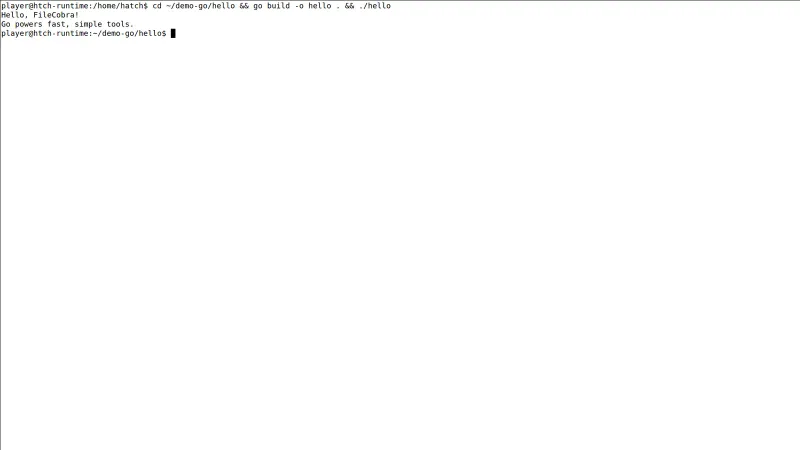
- Compiles whole projects in seconds to a single self-contained binary, making deployment a file copy instead of a runtime installation project.
- First-class concurrency with goroutines and channels makes network services and parallel pipelines straightforward without framework magic.
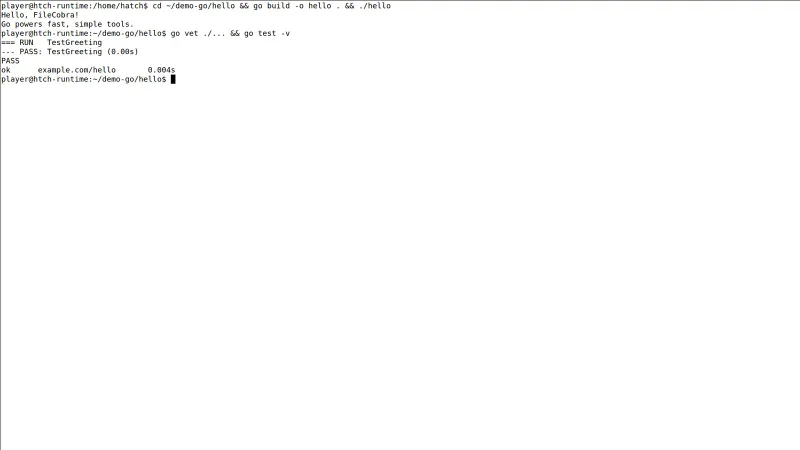
- The official toolchain includes formatting, testing, benchmarking, vetting, and module management — no third-party build system required.
- A legendary backward-compatibility promise means old code and old tutorials keep working across upgrades, protecting long-lived projects.
- Powers Docker, Kubernetes, Terraform, Hugo, and much of the cloud-native stack, so skills transfer directly to high-demand infrastructure jobs.
Considerations
- Error handling is intentionally verbose — repeated 'if err != nil' blocks make Go code longer than equivalent Python or Rust in places.
- The language deliberately omits many modern conveniences (no ternary operator, restrained generics), which frustrates developers arriving from richer languages.
- Windows is well supported but still a second home compared with Linux for Go deployment guides, container workflows, and community examples.
About & Overview: Go Programming Language for Windows PC
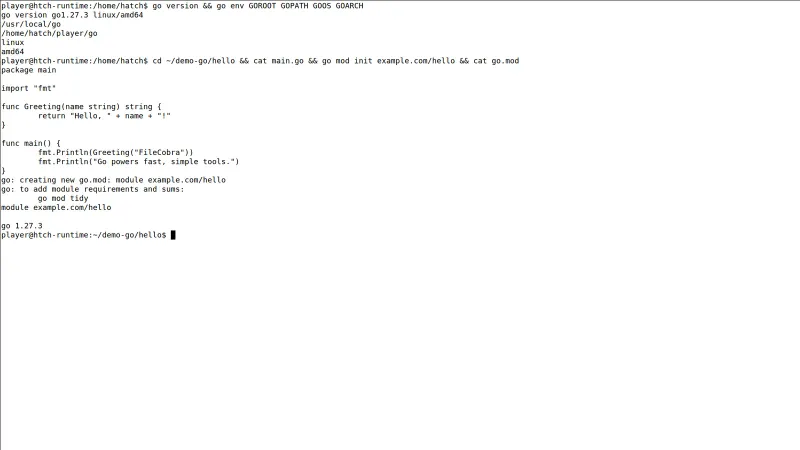
Go (Golang) is Google's open-source programming language built for the cloud era — simple syntax, fast compilation, and first-class concurrency that made it the language behind Docker, Kubernetes, Terraform, and much of modern infrastructure. The official Windows MSI installs the complete toolchain: compiler, the go command (build, test, vet, format), module support, and the standard library. Go compiles to a single native binary with no runtime dependencies, cross-compiles to other platforms with one environment variable, and its built-in formatting (gofmt) and testing tools keep large teams writing uniform, maintainable code.
Go Programming Language for Windows PC UI & Interface Screenshots
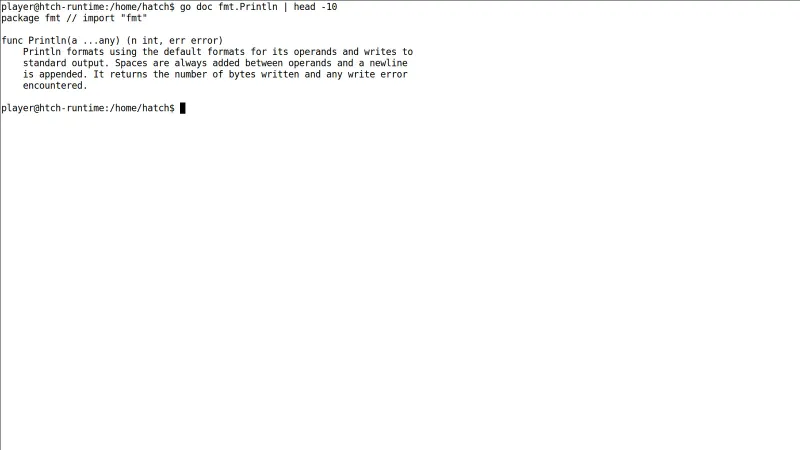
How to Install & Verify Go Programming Language for Windows PC
Download the Go MSI from the official go.dev link on this page.
Open the MSI and complete the wizard — the PATH is configured automatically.
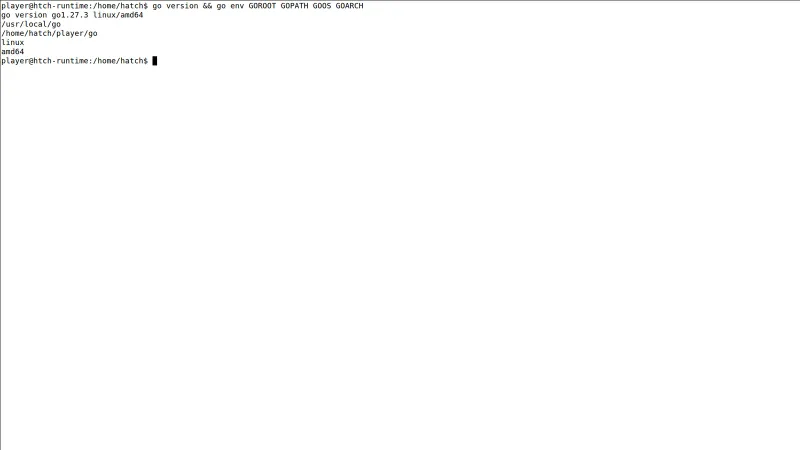
Open a new terminal and run 'go version' to confirm the toolchain responds.
Related Windows PC Software & Alternatives






Frequently Asked Questions & Verification Guide
Is Go free to use?
Yes. Go is free and open source under a BSD-style license, developed by Google with a large community, and usable for commercial products without restriction.
What is Go used for?
Primarily backend services, APIs, command-line tools, and cloud infrastructure — Docker, Kubernetes, and Terraform are all written in Go.
Does Go work well on Windows?
Yes. The official MSI installs the full toolchain on Windows 11/10, and editors like VS Code provide complete Go support; most developers build on Windows and deploy to Linux.
Which Go version is current?
Go 1.27.3, the latest stable release on the 1.27 line, which this page tracks directly from go.dev.
Do I need anything else to start writing Go?
Just a text editor — the installer includes the compiler and tools. Most developers add VS Code with the free Go extension for debugging and code intelligence.