

Download Cloudflare WARP VPN for Windows PC v2026.8.2115.0 for Windows PC
Cloudflare WARP encrypts your PC's internet traffic through Cloudflare's global network via the fast 1.1.1.1 service — free, unlimited, no account...
Technical Specifications & System Requirements
Software notes
Features
- Genuinely free and unlimited — full traffic encryption with no data caps, no account, and no ads, from Cloudflare itself.
- Protects traffic from ISP inspection and public-Wi-Fi snooping, with DNS through 1.1.1.1 — fast and backed by a published, audited no-sale privacy commitment.
- Fast by architecture: tunnels terminate at the nearest of Cloudflare's 300+ city data centers, so speed loss is usually negligible.
- Zero-friction operation — one tray switch, automatic startup, and modes for DNS-only or full tunnel, plus split-tunnel exclusions for work VPNs.
- This is the official Windows client from downloads.cloudflareclient.com, Cloudflare's own distribution host.
Considerations
- It does not change your apparent location or country — by design — so it cannot unblock geo-restricted streaming or act like a travel VPN.
- Some websites and game servers distrust data-center IP ranges and may show extra captchas or blocks while WARP is on.
- The free tier's routing is best-effort; the fastest paths are reserved for the paid WARP+ subscription (privacy is identical either way).
About & Overview: Cloudflare WARP VPN for Windows PC
Cloudflare WARP is the free consumer VPN from Cloudflare, built on the same app as its 1.1.1.1 DNS service. Enabling WARP wraps all of your PC's internet traffic in an encrypted WireGuard-based tunnel to the nearest Cloudflare data center (the company operates in 300+ cities), hiding your traffic from your ISP and from snoops on public Wi-Fi, while DNS runs through the fast, privacy-committed 1.1.1.1 resolver. Cloudflare states it does not sell your browsing data and erases query logs within 24 hours. The core WARP service is free and unlimited; an optional WARP+ subscription routes through less congested paths for extra speed. This download is the official Windows client from Cloudflare's download host. Note WARP is a privacy/encryption tool — it does not change your apparent country or location like travel VPNs do.
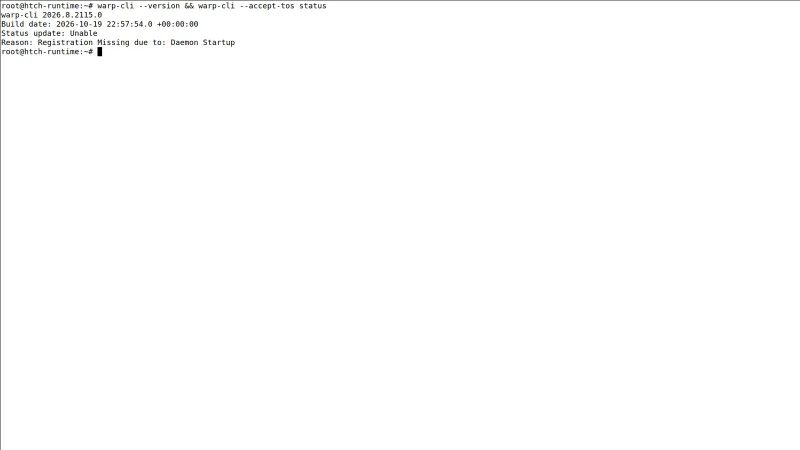
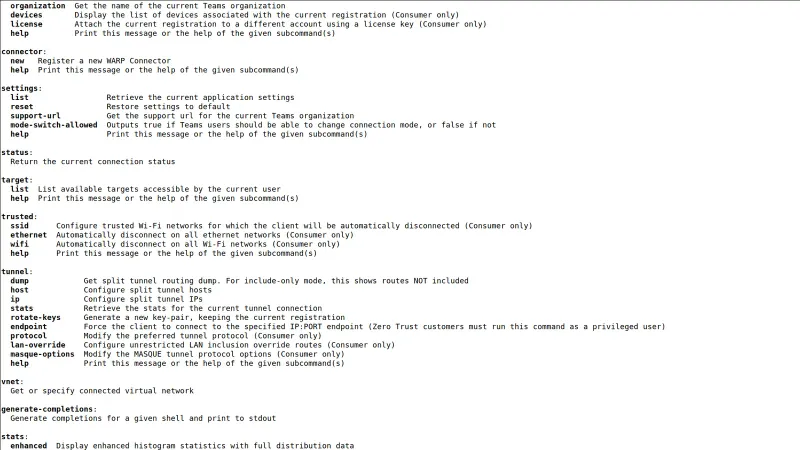
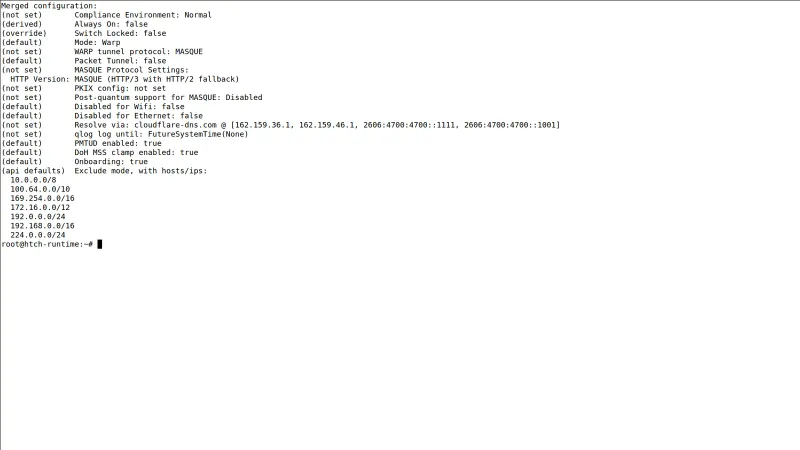
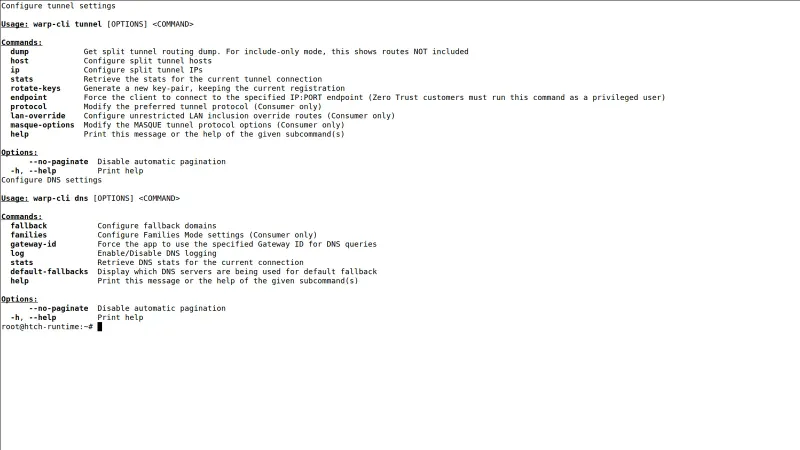
Cloudflare WARP VPN for Windows PC UI & Interface Screenshots
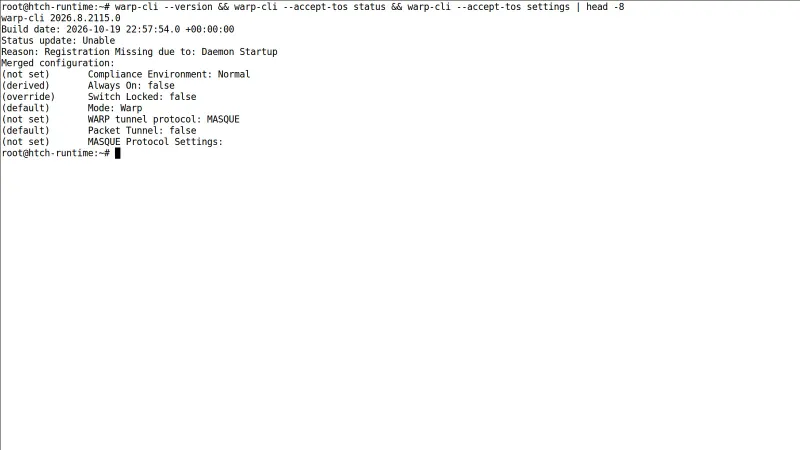
How to Install & Verify Cloudflare WARP VPN for Windows PC
Download the Cloudflare WARP client from the official Cloudflare link on this page (it fetches the current Windows installer).
Run the installer, then open Cloudflare WARP from the system tray. No account or sign-up is needed for the free service.
Toggle WARP on — the tray icon shows Connected. Under preferences you can choose DNS-only (1.1.1.1) or full WARP mode and set per-network exclusions if your office VPN needs them.
Related Windows PC Software & Alternatives





Frequently Asked Questions & Verification Guide
Is Cloudflare WARP really free?
Yes — the core WARP service is free and unlimited with no account required. WARP+ is an optional paid upgrade that buys faster routing through less congested paths, not extra privacy.
Does WARP hide my location or unblock Netflix regions?
No, and Cloudflare is explicit about this: WARP secures your connection but keeps your approximate location for performance. It is a privacy tool against local snooping and ISP tracking, not a geo-unblocking VPN.
Does Cloudflare log my browsing?
Cloudflare commits to not selling personal data, erases 1.1.1.1 query logs within 24 hours, and has the practice audited — a stronger public commitment than most VPN providers make.
Will WARP slow down my connection or games?
Usually imperceptibly — the tunnel ends at a nearby Cloudflare data center. Some users see a few ms of extra latency; if a game suffers, add it to WARP's split-tunnel exclusions or toggle WARP off while playing.
Is this the official download?
Yes — this page links Cloudflare's official Windows installer endpoint (downloads.cloudflareclient.com), which always serves the current client version; the version and SHA-256 recorded here are for the build we verified.