
Buying Guide
5 Best Equalizers and Volume Boosters for Android in 2026 (What Each One Can Actually Change)
By Rehman Ahmad · Updated 2026-09-02 · 8 min read · 1798 words
Short answer
Install Wavelet first if you listen on headphones: it corrects your specific model towards a measured target instead of asking you to guess. Choose Poweramp Equalizer for system-wide parametric control, Flat Equalizer if you are on Android 6 or 7, and treat Volume Booster GOODEV as a repair tool for quiet recordings rather than a way to make music louder.
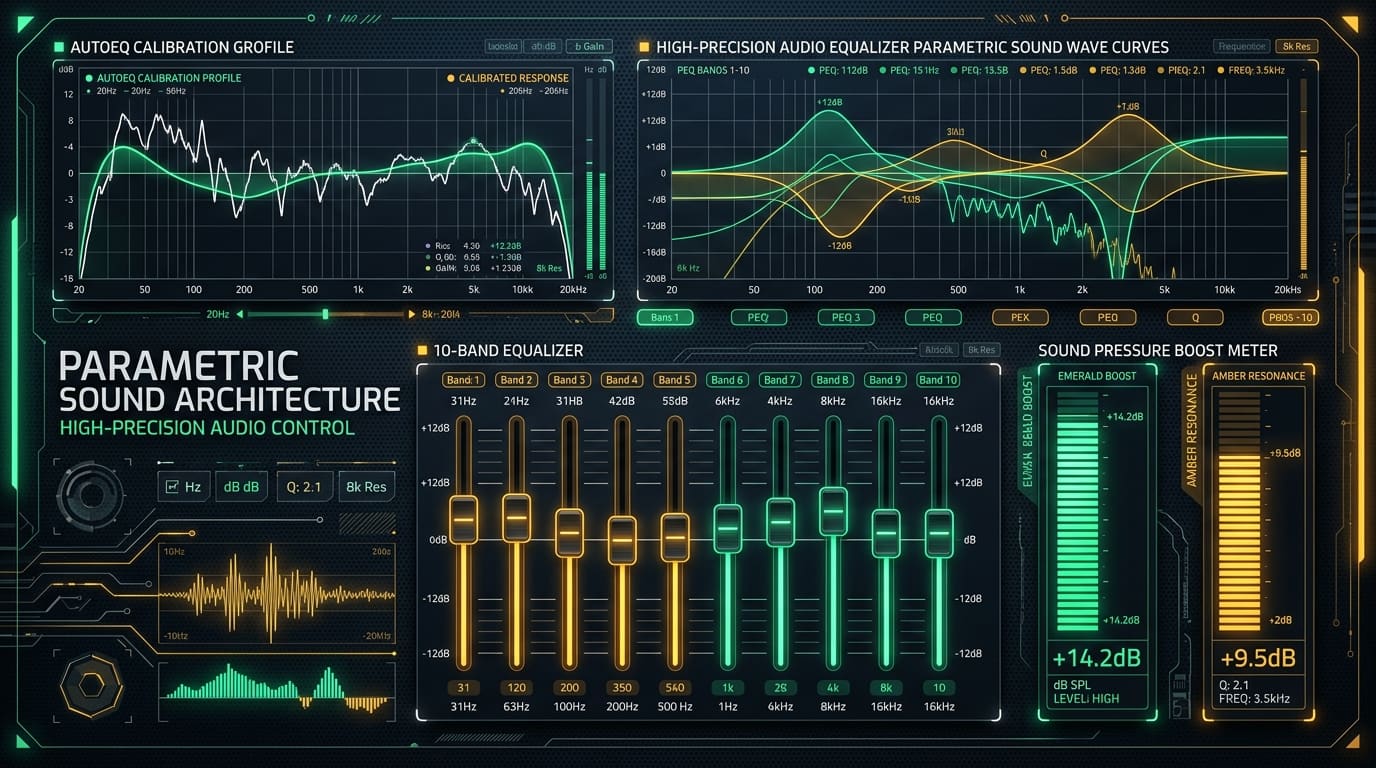
Every equalizer app on the Play Store leads with a number. Ten bands. Thirty-two bands. Twelve, plus thirteen effects.
The number is almost irrelevant. What decides whether an equalizer app can do anything useful on your phone is which of Android's built-in audio effects it is driving — and there are two, separated by nine years and an entire generation of capability. Get that distinction and this whole category stops being confusing.
The old one. Equalizer, in Android since API 9. Your phone's manufacturer implements it, chooses how many bands it exposes (usually five) and fixes their centre frequencies. Every app calling it is moving the same sliders behind different skins. This is why so many equalizer apps sound identical.
The new one. DynamicsProcessing, added in Android 9.0 (API 28). Arbitrary band counts, per-channel filters, a multi-band compressor and an actual limiter. This is the API that makes real parametric equalization possible on Android without the app shipping its own audio engine.
That single fact explains the version numbers on this page. Wavelet and Poweramp Equalizer both require Android 9.0 or newer — not arbitrarily, but because the thing they do does not exist below it. Flat Equalizer runs on Android 6.0, and its 10-band graphic layout is a consequence of that, not a limitation of ambition.
Five apps below, ordered by how much they change for how little effort. Every version, size, minimum Android and licence comes from this site's catalogue entry for that package.
1. Wavelet — the only one that is not guesswork
Wavelet is the entry to install first, and the reason is that it does not ask you to have an opinion.
- Version: v24.08 · Size: 6.3 MB · Android: 9.0+ · Licence: freeware · Developer: pittvandewitt
Every other equalizer hands you sliders and expects you to know what 3 kHz sounds like when it is 4 dB too loud. Almost nobody does. So people drag the ends up, make a smile curve, decide it sounds "better" because it sounds different, and stop.
Wavelet inverts that. You tell it which headphones you own, and it loads a correction curve derived from a published measurement of that model — the AutoEq project's database, which computes the filter needed to bring a measured frequency response towards a neutral target. You are not tuning by ear. You are undoing a deviation somebody measured with a coupler and a microphone.
That is a genuinely different product from the rest of this page, and at 6.3 MB it is also the smallest.
Three honest limits. It only helps if your exact model is in the database — a close-enough guess from the same brand can make things worse, not better, because the correction is model-specific. It does nothing for speakers, since a room, not a headphone cup, is the variable there. And a correction that flattens a bass-heavy headphone will, correctly, sound like it has removed bass, which some people simply do not want.
Install this one if: you listen on headphones or in-ears and know the model name.
2. Poweramp Equalizer — the one that covers the whole phone
Poweramp Equalizer is the standalone version of the audio engine from the Poweramp player, and it is the most capable general-purpose option here.
- Version: v988 · Size: 15.2 MB · Android: 9.0+ · Licence: freeware · Developer: Max MP (Poweramp)
Parametric equalization with a high band count, dynamic range compression, a limiter, and Poweramp's Direct Volume Control — which takes over volume in software so the signal reaching the output stage stays at full digital scale, avoiding the resolution you lose when the system attenuates before processing.
It applies system-wide, so one configuration covers your streaming app, your podcast app, video and games at once. Nothing else on this page does that as well.
Two costs. The interface assumes you already know what a Q factor is; if you do not, it will not teach you, and you will get less out of it than out of Wavelet in a tenth of the time. And it is freeware here, not open source — features sit behind a purchase, which is a normal arrangement but worth knowing before you install.
Install this one if: you want one curve applied everywhere and are willing to learn the controls.
3. Flat Equalizer — the one that runs on an older phone
Flat Equalizer is the answer for the large number of Android devices that will never see Android 9.
- Version: v5.3.2 · Size: 34.8 MB · Android: 6.0+ · Licence: freeware · Developer: Flat Bar (Jazib Khan)
Ten graphic bands, bass boost, a surround virtualizer, a loudness control and a Material You interface that follows your system colours. It is driving the older Equalizer effect, which is exactly why it installs three major versions further back than the two apps above.
Two things to set expectations. At 34.8 MB it is the largest file on this page while doing the least — nearly six times Wavelet's size. And because it uses the system effect, its ceiling is whatever your manufacturer's implementation allows; on some devices the difference between its 10 bands and another app's 5 is presentation rather than capability.
Install this one if: your phone is on Android 6, 7 or 8, or you want sliders and nothing else.
4. Poweramp (the player) — when the better answer is not an equalizer at all
Poweramp is on this list to make a point that the category tends to hide: if the audio you care about is files on your phone, a player with its own processing chain will beat a system-wide effect app.
- Version: v3-build-987 · Size: 21.7 MB · Android: 5.0+ · Licence: freeware · Developer: Max MP (Official)
A system effect app has to take whatever another app hands to Android's mixer and fix it afterwards. A player that decodes, equalizes and outputs inside one pipeline never has that constraint. Poweramp does the second thing: its own decoders, its own equalization and Direct Volume Control end to end, plus hi-res output and gapless playback — and it installs back on Android 5.0, four versions earlier than its own standalone equalizer, because it is not waiting on a system API.
The trade is scope. It improves your music library and nothing else. Podcasts in another app, video, game audio and YouTube are all untouched. Our offline music player guide covers the rest of that category, including the two players that ship with no internet permission at all.
Install this one if: your listening is mostly local files and you would rather fix it at the source.
5. Volume Booster GOODEV — a repair tool, described honestly
Volume Booster GOODEV is last on purpose. It is useful, it is the smallest possible version of what it does, and it is the one entry here that can cause harm.
- Version: v6.3 · Size: 10.0 MB · Android: 5.0+ · Licence: freeware · Developer: GOODEV
One slider, a notification control, no configuration. Its real job is fixing quiet source material: a lecture recorded on a laptop microphone, an old podcast episode mastered ten decibels below everything else, film dialogue mixed for a cinema and played through a phone speaker. In those cases the recording is quiet, your phone is not, and adding gain is the correct fix.
What it cannot do is make your phone louder in any meaningful sense. The output stage has a fixed maximum. Once the signal already reaches full scale at maximum system volume, extra software gain has nowhere to go: the peaks get compressed or clipped, which reads as "louder" while measurably degrading what you are hearing. On music that is already mastered loud — most commercial releases since roughly 2000 — that is nearly all you get.
And the limit you are stepping past is partly a safety feature. Phones sold in much of the world ship a warning at a defined output level because a standard requires it. The World Health Organization's safe-listening guidance for adults is around 80 dB(A) for no more than forty hours a week; noise-induced hearing loss is cumulative and permanent, and headphones at high level are one of the most common causes. Use this on quiet recordings. Do not leave it on.
Install this one if: you regularly hit maximum volume on spoken-word audio and still cannot hear it.
The five, side by side
| App | Size | Android | Licence | What it drives | Bands |
|---|---|---|---|---|---|
| Wavelet | 6.3 MB | 9.0+ | Freeware | DynamicsProcessing | Measured correction |
| Poweramp Equalizer | 15.2 MB | 9.0+ | Freeware | DynamicsProcessing + own DVC | Parametric |
| Flat Equalizer | 34.8 MB | 6.0+ | Freeware | System Equalizer effect | 10 graphic |
| Poweramp (player) | 21.7 MB | 5.0+ | Freeware | Its own pipeline | Parametric, local files only |
| Volume Booster GOODEV | 10.0 MB | 5.0+ | Freeware | Gain only | — |
What none of these fix
Four limits, so this page does not promise more than the category can deliver.
An equalizer cannot add what was never recorded. It attenuates and boosts frequencies already in the file. If a track has no content below 40 Hz, no amount of bass boost creates any — you are amplifying noise and consuming headroom.
It cannot undo the loudness war. A brick-walled master has had its dynamic range removed at mastering. Equalization changes tonal balance, not dynamics. Per-track gain, like ReplayGain, evens out volume differences between tracks; it does not restore what was compressed away.
Speaker output has a hard ceiling. Every phone speaker has a maximum excursion and a maximum clean output. Bass boost on a phone speaker mostly asks it to reproduce frequencies it physically cannot, at the cost of distorting the ones it can.
Only one equalizer at a time. Two effect apps attached to the same output stack their curves. The result is a doubled correction, not a better one, and it is the most common reason someone concludes an equalizer app "sounds bad".
The two-minute version
Headphones with a model name you can look up? Install Wavelet, select your model, done. That is the highest ratio of improvement to effort in this entire category.
Want one setting across everything on the phone? Poweramp Equalizer, and expect to spend an evening on it.
Phone on Android 8 or older? Flat Equalizer is your option, and it is a perfectly reasonable one.
Fighting quiet recordings rather than quiet hardware? Volume Booster GOODEV, turned on for that file and turned off afterwards.
Every app named here resolves to a page in the FileCobra catalogue — the build fails if one does not. Versions, package sizes and system requirements are read from that catalogue rather than written by hand. Where our ingestion worker has fetched a release itself, it records a SHA-256 of the exact file we serve and publishes it on the app’s page. We do not run an antivirus lab: where a VirusTotal report exists we link it, and where none exists we say so rather than imply one.
Rehman Ahmad
VERIFIED AUTHORChief Technology Officer & Lead Systems Auditor at FileCobra
Rehman specializes in Android operating system internals, cryptographic integrity verification, reverse engineering APK packaging architectures, and high-performance audio/video DSP pipelines. He directs the security verification and release ingestion infrastructure across FileCobra.
Apps covered in this guide
-
Wavelet
v24.08 · 6.3 MB · Freeware
-
Poweramp Equalizer
v988 · 15.2 MB · Freeware
-
Flat Equalizer
v5.3.2 · 34.8 MB · Freeware
-
Poweramp Music Player
3-build-987 · 20.76 MB · Freeware
-
Volume Booster GOODEV
v6.3 · 10.0 MB · Freeware
Frequently asked questions
What is the best equalizer app for Android?
Wavelet, if you listen on headphones or in-ears. It applies a correction curve measured from your specific model rather than sliders you adjust by ear, which removes the guessing that makes every other equalizer hard to use well. If your model is not in its database, or you want one setting across every app on the phone including games, use Poweramp Equalizer instead.
Why do Wavelet and Poweramp Equalizer need Android 9?
Because of the effect they drive. Android 9 (API 28) added DynamicsProcessing, the first built-in audio effect offering arbitrary bands, per-channel filters and a real limiter. Everything before it had to use the fixed-band Equalizer effect from API 9, whose band count and centre frequencies your phone's manufacturer chose. That API floor, not a marketing decision, is why these two skip Android 8 and Flat Equalizer does not.
Does a 32-band equalizer sound better than a 10-band one?
Not by itself. Band count only tells you how finely you can draw a curve, not whether the curve is right. A 5-band correction aimed at a real measurement of your headphones will beat 32 bands moved by ear almost every time. Band count is the number these apps advertise because it is the easiest one to print.
Is it safe to boost volume beyond the phone's normal limit?
It is not risk-free, and the honest answer is that it depends entirely on the source. Boosting a quiet lecture recording or a badly mastered podcast is genuinely useful. Boosting music that is already mastered loud gains you almost nothing — the phone's amplifier has a fixed ceiling, so extra software gain gets squashed or distorted rather than turned into clean output — while raising the level in your ears. Sustained loud listening causes permanent, cumulative hearing loss, and the limit you are removing exists partly for that reason.
Will these apps work with Spotify, YouTube Music and games?
Poweramp Equalizer, Wavelet and Flat Equalizer attach to Android's global output, so in practice they affect whatever is playing, including streaming apps and game audio. Two caveats worth knowing: an app that outputs in exclusive or offload mode can bypass the effect chain entirely, and only one equalizer should be active at a time — running two stacks their curves and usually sounds worse than either alone.