

Download yt-dlp — Command-Line Video Downloader for Windows PC v2026.10.26 for Windows PC
yt-dlp is a powerful command-line tool for downloading video and audio from YouTube and over 1,000 other sites, with format selection, subtitle embedding...
Technical Specifications & System Requirements
Software notes
Features
- Support for YouTube and more than 1,000 other sites makes it far more versatile than a downloader built for a single service.
- Detailed format selection lets you choose the exact video resolution, codec and audio track instead of accepting a preset quality.
- Subtitle, thumbnail and metadata embedding options produce tidy, self-contained files that are easier to archive and search later.
- SponsorBlock post-processing and other post-processors let advanced users automate repetitive cleanup steps directly in one command.
- As an actively maintained open-source fork of youtube-dl, it receives frequent fixes when sites change how their media is delivered.
Considerations
- It is command line only with no graphical interface, so users who dislike typing commands in a terminal will struggle immediately.
- Some sites break without warning and stay broken until a later release, which makes occasional failed downloads an unavoidable reality.
- Merging separate video and audio streams requires FFmpeg installed alongside it, and users must respect site terms and copyright themselves.
How yt-dlp — Command-Line Video Downloader for Windows PC Compares to Top Alternatives
Seal wraps yt-dlp in a friendly Android app for phones, while yt-dlp itself is the original command-line tool — on Windows it offers every format, subtitle and post-processing option the engine has.
FreeTube is a graphical YouTube client made for watching, while yt-dlp is the downloader — a terminal tool that saves video and audio from more than a thousand sites.
About & Overview: yt-dlp — Command-Line Video Downloader for Windows PC
yt-dlp is a free, open-source command-line program for downloading video and audio from YouTube and more than 1,000 other sites. It is the actively maintained fork of youtube-dl, with faster updates, more site support and many more options. You run it from a terminal by pasting a link and adding flags to choose the format and quality, save audio only, embed subtitles and metadata, write a thumbnail, or apply SponsorBlock post-processing to mark or remove sponsored segments. There is no graphical interface at all, and this page will not pretend otherwise: everything happens through typed commands. Merging separate high-quality video and audio streams also needs FFmpeg installed alongside it. For users comfortable in Command Prompt or PowerShell, that directness is the appeal. It is precise, scriptable and regularly updated, provided you respect each site's terms and only download content you have the right to keep.
In-Depth: yt-dlp — Command-Line Video Downloader for Windows PC
How yt-dlp works: total control from the command line
yt-dlp does one job with unusual depth: it downloads video and audio from YouTube and more than 1,000 other supported sites, and it does so entirely from a terminal. There is no graphical interface, no window and no double-click installer experience. On Windows you keep the single yt-dlp.exe file in a folder, open Command Prompt or PowerShell there, and type a command made of the link plus flags that describe exactly what you want.
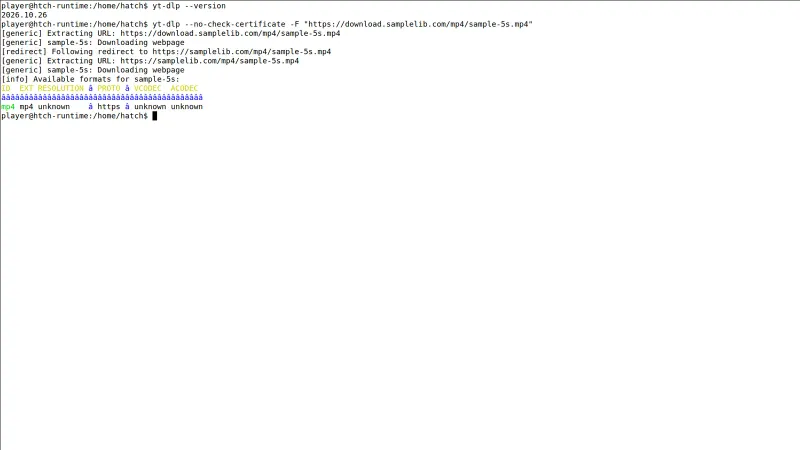
That flag system is the real product. Running yt-dlp with -F lists every format a site offers for a link, so you can see resolutions, codecs and audio tracks before choosing. A follow-up command with -f picks the exact video and audio streams you want, instead of accepting a preset quality. Other flags save audio only, download subtitles or auto-generated subtitles, embed subtitles, metadata and thumbnails into the finished file, and apply SponsorBlock post-processing to mark or remove sponsored segments.
Much of that polish depends on FFmpeg, which you install alongside it: many sites serve the best video and audio as separate streams, and FFmpeg is what merges them and handles embedding. Because sites change constantly, yt-dlp can update itself with yt-dlp -U, and keeping it current is the first fix when a download suddenly fails.
Who yt-dlp is for - and who should avoid it entirely
yt-dlp is for users who are comfortable typing commands and who care about exact results. Archivists saving their own uploads, researchers keeping reference copies they have the right to keep, and anyone who downloads regularly from several different sites will value the format control, subtitle handling and metadata embedding that graphical downloaders usually hide. It is also ideal for repeat jobs: once a command works, you can reuse it, save it in a script and run the same download pattern every week without clicking through menus.
Technical users will appreciate that it is a single portable executable under the Unlicense, essentially public domain, with no heavy app to install and frequent updates when sites change.
It is honestly not for everyone, and this page will not pretend otherwise. If you dislike terminals, there is nothing here for you: no buttons, no progress window designed for beginners, and no built-in guidance beyond help text. A first attempt often stumbles because FFmpeg is missing for a merge, and some sites break without warning until a later release fixes them. Every user must also respect site terms and copyright themselves - yt-dlp gives you the capability, not the permission. If you need point-and-click simplicity, choose a graphical tool instead.
A real yt-dlp session: archiving a lecture with subtitles, exactly as specified
A student needs an offline copy of a long public lecture they are allowed to keep, with subtitles, for revision on a train journey with no signal. They open PowerShell in the folder holding yt-dlp.exe, with ffmpeg.exe sitting in the same folder. First they run yt-dlp -F followed by the link, and study the format list: several resolutions, separate audio tracks, and the exact codes for the version they want.
They then build one command that selects that video and audio pair, embeds the subtitles and metadata, writes the thumbnail, and uses SponsorBlock marking so sponsored segments are flagged in the file. yt-dlp downloads the two separate streams and hands them to FFmpeg, which merges them into a single tidy file in the folder they chose. When a site change had broken downloads the previous month, updating with yt-dlp -U had been the fix, so the tool is current before they start.
They play the finished file once to check picture, sound and subtitles are all present, then copy it to a tablet. Outcome: one self-contained lecture file, in the exact quality chosen rather than a default, with subtitles and metadata embedded, ready to watch completely offline.
yt-dlp — Command-Line Video Downloader for Windows PC UI & Interface Screenshots
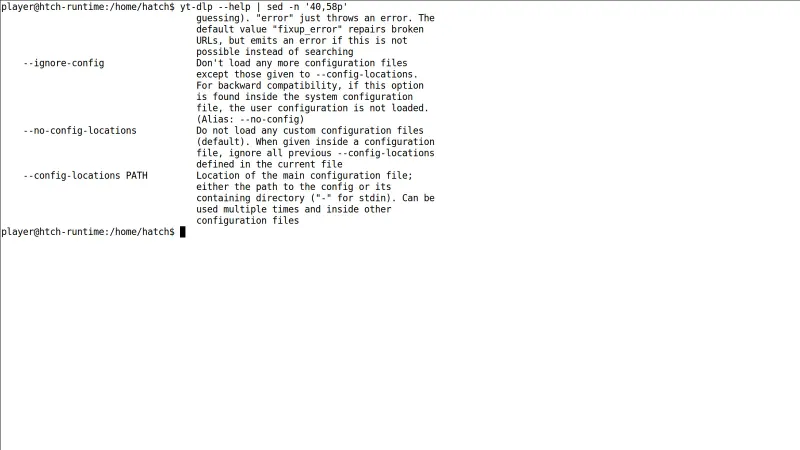
How to Install & Verify yt-dlp — Command-Line Video Downloader for Windows PC
Download yt-dlp.exe (version 2026.10.26) from this page. It is a single standalone executable with no installer, so save it in a dedicated folder such as C:\yt-dlp.
Download FFmpeg and place ffmpeg.exe in the same folder as yt-dlp.exe, or add it to your system PATH, so yt-dlp can merge separate video and audio streams.
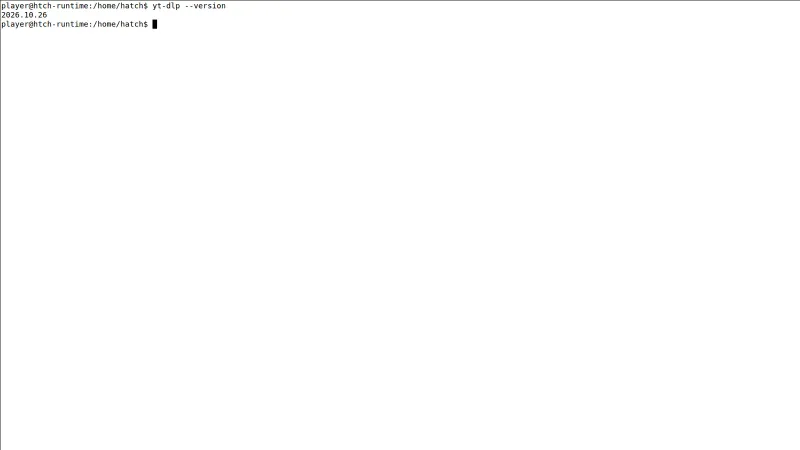
Open Command Prompt or PowerShell, change to the folder containing yt-dlp.exe, and run yt-dlp --version to confirm version 2026.10.26 runs correctly.
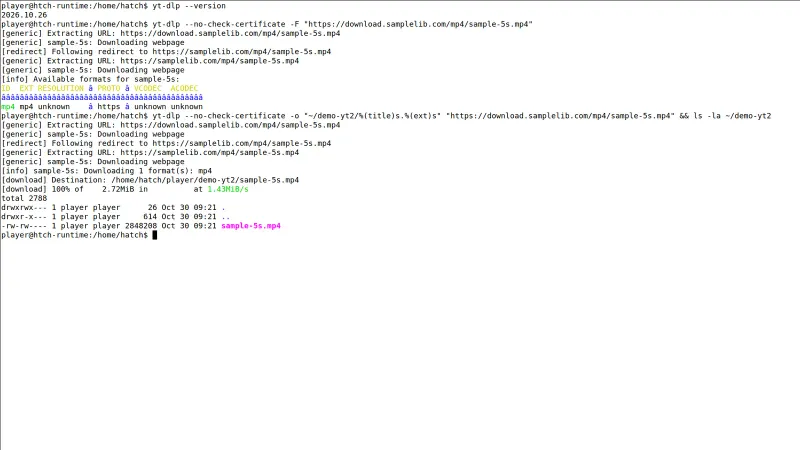
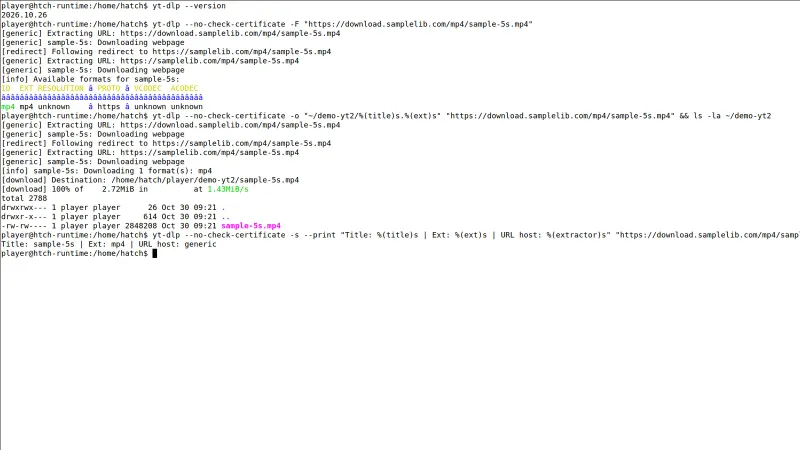
Type yt-dlp followed by a link you have the right to download, for example yt-dlp -F and then yt-dlp -f with your chosen format codes, and check the saved file.
Related Windows PC Software & Alternatives






Frequently Asked Questions & Verification Guide
Is yt-dlp — Command-Line Video Downloader for Windows PC free and open source?
Yes. yt-dlp — Command-Line Video Downloader for Windows PC is completely free and open-source software. You can download and use it at no cost, and its source code is publicly available.
Is YouTube DLP illegal?
yt-dlp itself is a legal, free and open-source program — it is the actively maintained fork of youtube-dl. What can break rules is how a download is used: sites have terms of service and videos have owners, so only download content you have the right to keep. As this page puts it, yt-dlp gives you the capability, not the permission.
What does yt-dlp mean?
The name comes from youtube-dl, the original YouTube downloader project that yt-dlp forked from. yt-dlp keeps that lineage in its name while being a separate, actively maintained fork, with faster updates, support for YouTube and more than 1,000 other sites, and many more options than the original.
How to actually use yt-dlp?
Keep yt-dlp.exe in a folder, open Command Prompt or PowerShell in that folder, and type the video link followed by flags: yt-dlp -F plus a link lists the available formats, and -f chooses the exact video and audio streams you want. Install FFmpeg alongside it, because merging separate high-quality streams and embedding subtitles or metadata depend on it.
Is yt-dlp trusted?
It has the things you would want to see: it is open source, actively maintained with frequent fixes when sites change, and distributed as a single portable executable released under the Unlicense, essentially public domain. There is no heavy app to install, and its self-update command, yt-dlp -U, keeps the standalone build current.
Does YouTube DLP still work?
Yes — it is updated frequently precisely because sites change how their media is delivered, and those updates keep downloads working. Individual sites do break without warning and stay broken until a later release catches up, so when a download suddenly fails, running yt-dlp -U to update is the first fix to try.